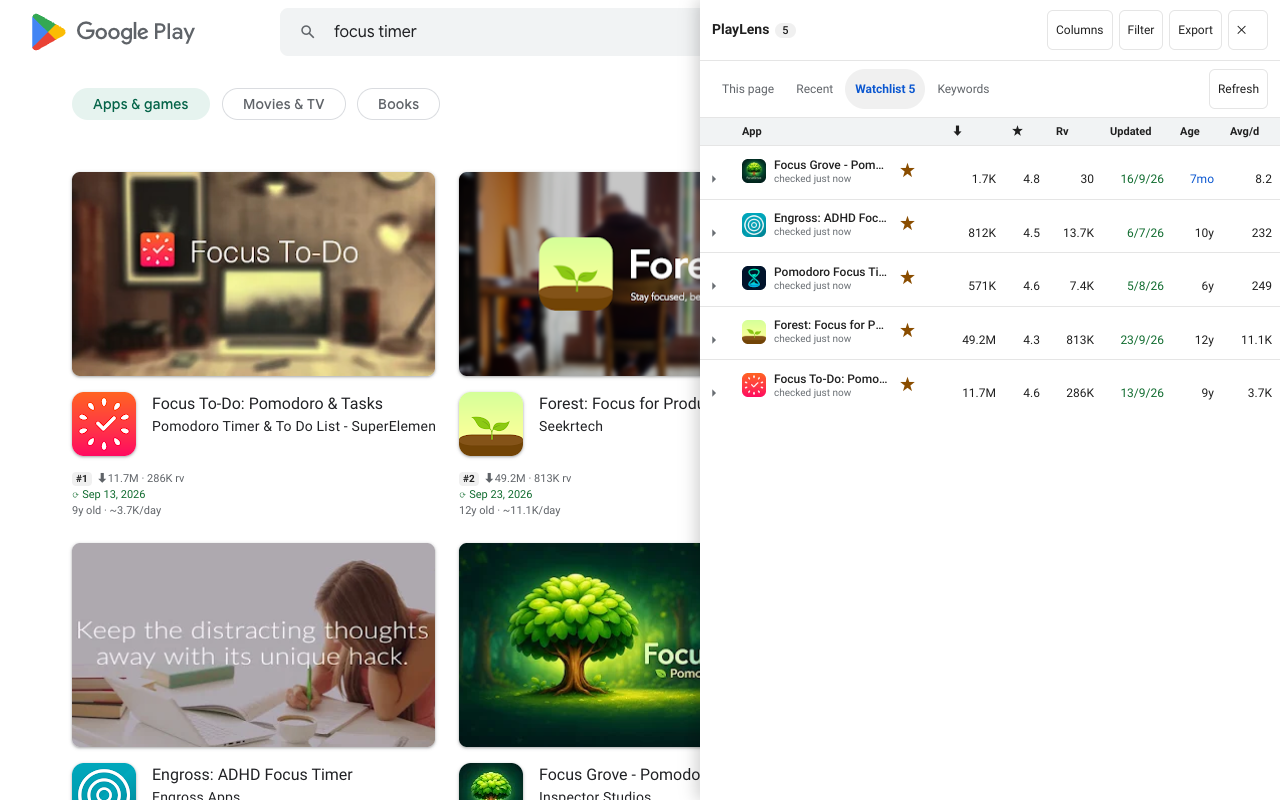
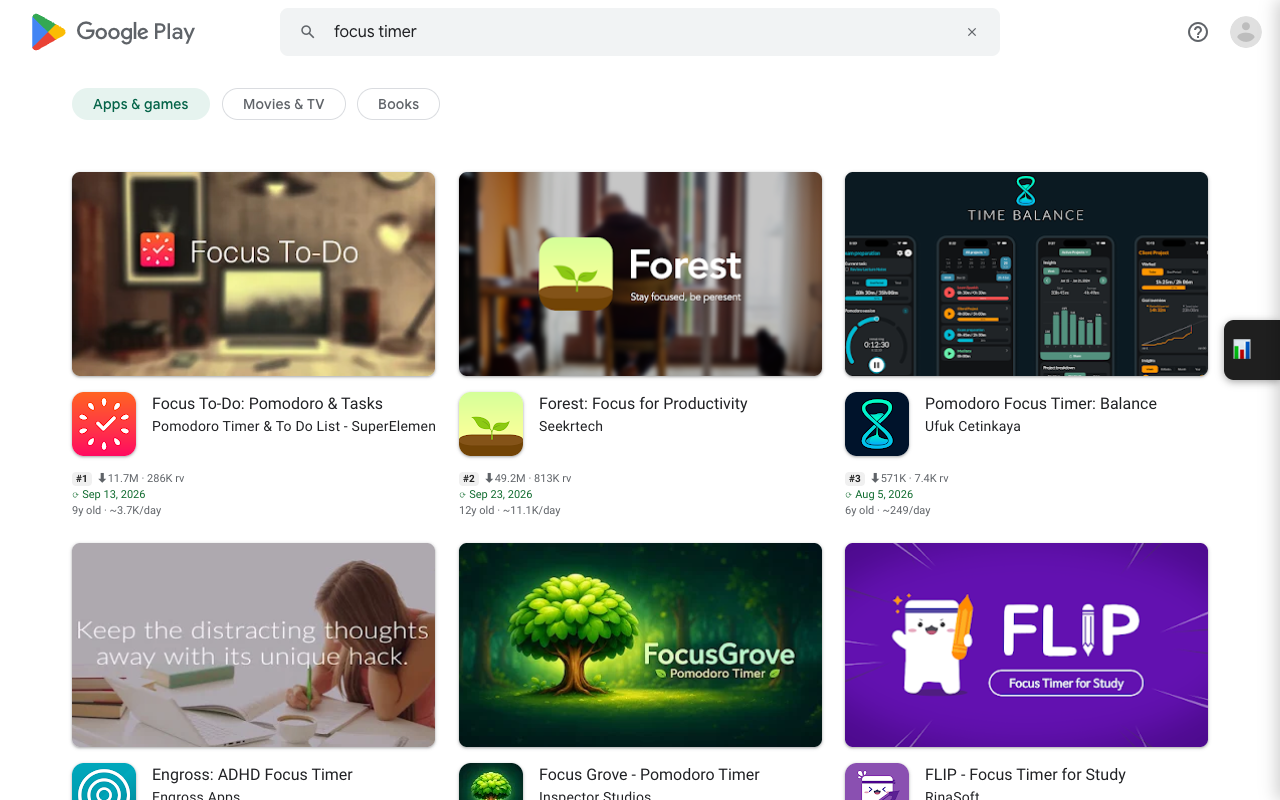
What the Keywords tab does
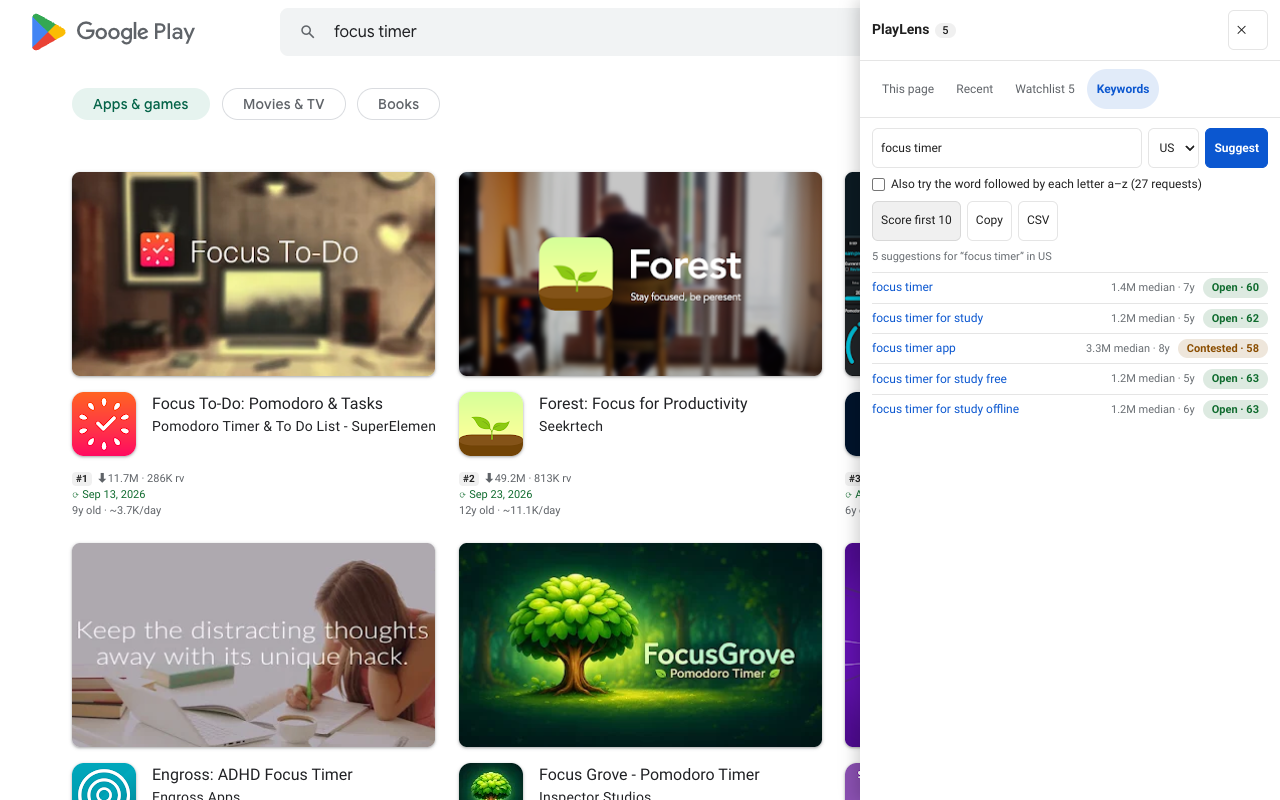
Type a word and PlayLens asks Google Play for the search suggestions it already shows people typing. Each suggestion is a real query. Optionally it repeats the request with each letter a–z appended, which surfaces long-tail terms you would not think of.
It then reads the first ten results of a term and gives a verdict: Open, Contested or Crowded.
Run it
- Open any Google Play page and open the side panel (button on the right edge).
- Go to Keywords, type a seed word and press Enter.
- Click Score first 10. PlayLens reads the top results of each of the first ten terms. Requests are limited to a few at a time, so it takes a moment.
- Sort by score. Use Copy or CSV to take the list with you.
Beyond the first ten, a single Score button on each row scores that term on its own.
How the score is calculated
The score uses the first ten results of the term:
| Part | Weight | What it looks at |
|---|---|---|
| Demand | 0.35 | Combined installs of the ten results, on a log scale |
| Monetization | 0.30 | Share of results with in-app purchases, weighted by how high their purchases go |
| Competition | 0.25 | Fewer entrenched results is better: an entrenched app has 10M+ installs and a rating of 4.3 or more |
| Weakness | 0.10 | Share of results rated below 4.0 or not updated for 18 months |
A score of 60 or more is Open, 45 to 59 Contested, and below that Crowded.
It sorts ideas, it does not predict. A term marked Open can still be a bad market. Use the score to decide which terms to look at first, then look at them.
Reading the results
- Open and specific is the sweet spot: the top apps are old or weak and the term has enough demand.
- Crowded but monetized means the money is real but so is the competition. Only worth it with a clear angle.
- “too few” means fewer than five results came back, so there is nothing to score.
Check the summary above the table on a search page too. It shows total and median installs, median age and rating, the share with purchases or ads, and the share not updated for 18 months for the first ten results.
Free and Pro
Free scores the first ten terms of a list. Pro scores without that limit with Score all, saves up to 20 lists of keywords, and compares one term across countries. A Track button puts any term straight into the rank tracker for an app on your Watchlist.
Questions
Is this search volume?
No. Google does not publish search volume for Play. The score reads what the top results look like, which is a proxy for demand and competition, not a count of searches.
Which countries does it use?
The countries set in the settings page, up to 8, defaulting to US, GB, DE, JP and VN.