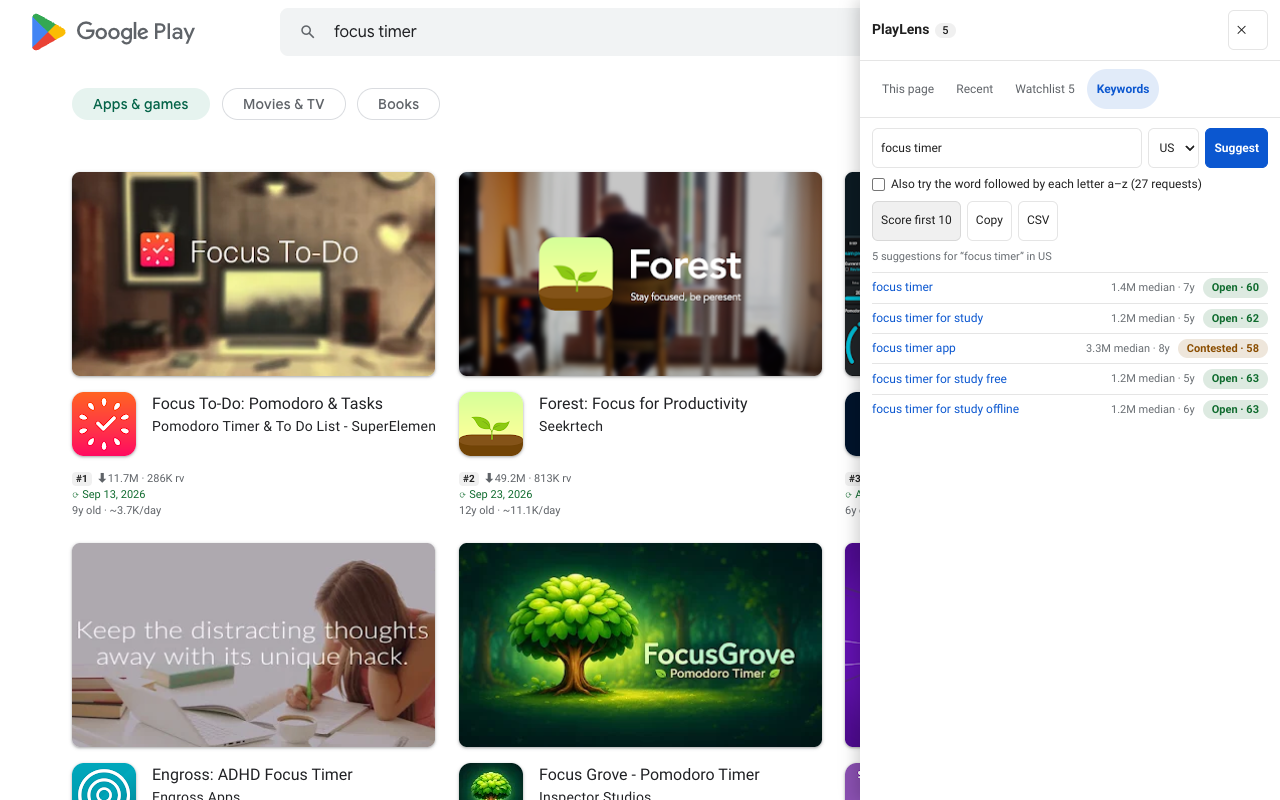
What the rank tracker does
For an app on your Watchlist you choose a keyword and a country. Once a day the extension's background worker searches Google Play for that term in that country, finds where the app appears, and writes down the position. Over time the positions are drawn as a history, so you see whether last week's update helped.
A position of 0 means “not among the first 30 results”. The tracker looks at the first 30, not the whole list.
Set it up
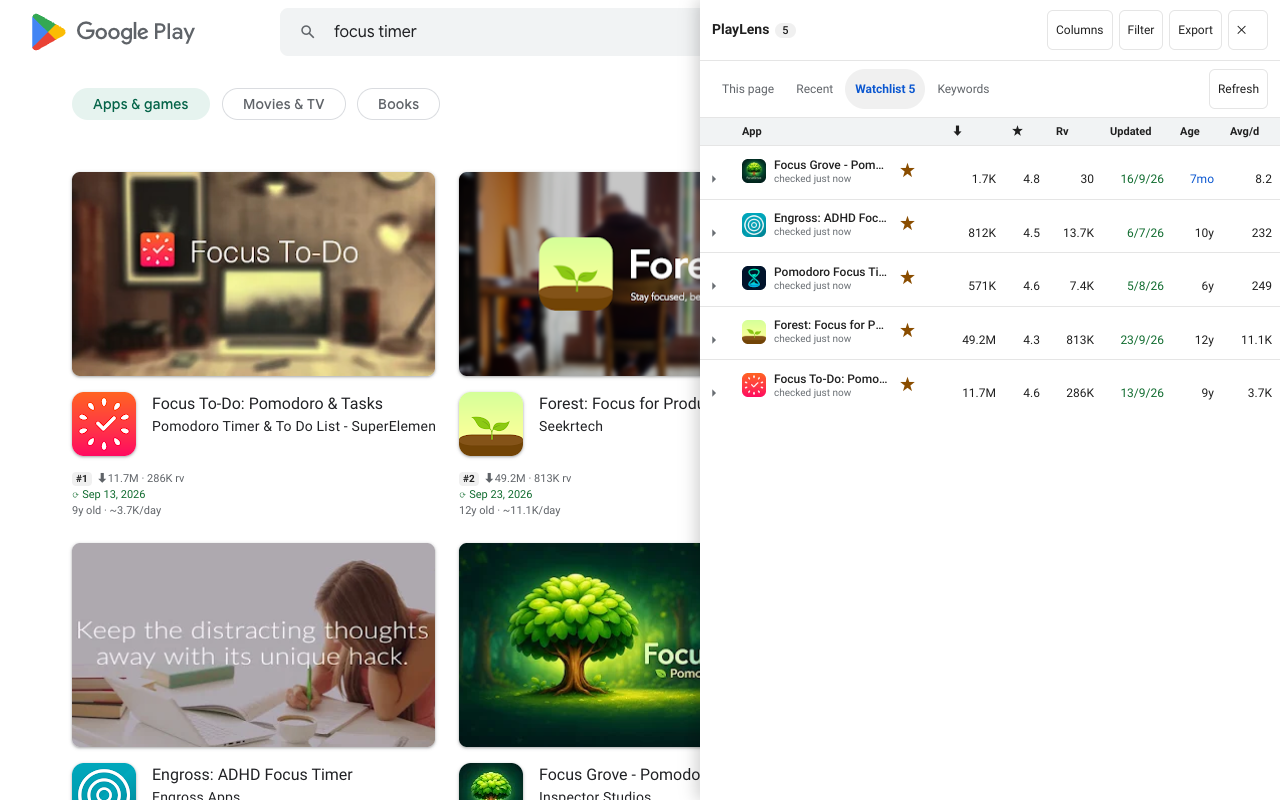
- Star the app. Click ☆ on its row in the side panel. The tracker works on apps in your Watchlist.
- Open its details with More and find the Rank tracker section.
- Type a keyword in “Keyword to follow”, pick a country and click Follow. PlayLens looks it up right away and says “Now at #…” or that it is not in the first 30.
- Or from the Keywords tab, click Track on any suggested term while an app is chosen.
- Check now refreshes today's place of every keyword on demand. Otherwise it runs by itself once a day.
Free and Pro limits
| Free | Pro | |
|---|---|---|
| Keyword and country pairs | 3 | 150 |
| Alerts | — | Desktop notifications |
The panel shows “N of M followed” so you always know how many pairs you have left. The three free pairs are enough to follow your one most important keyword in a few countries.
Alerts
With Pro you can switch on Alerts in the settings page. Chrome then asks for the optional notifications permission. The permission is requested only when you switch alerts on, and users who stay on Free never see it. An alert fires when a followed keyword moves, or when a watched app changes version, price or rating.
Where the data lives
Positions are stored in your browser's local storage under the app's id, up to 90 days each. Nothing is uploaded. Make a copy any time with Backup in the Export menu (Pro), and load it back with Restore.
The checks are plain searches on play.google.com, the same ones you could do by hand. A result list can differ a little between runs and between accounts, so read a one-place move as noise and look at the trend.
Questions
Does it work when Chrome is closed?
No. The daily check runs in the browser’s background worker, so Chrome must be running. A day with no check is a gap in the line, not a lost history.
Will it slow my browser?
No. It makes a handful of requests once a day, only for pairs you follow, and nothing while the Watchlist is empty.