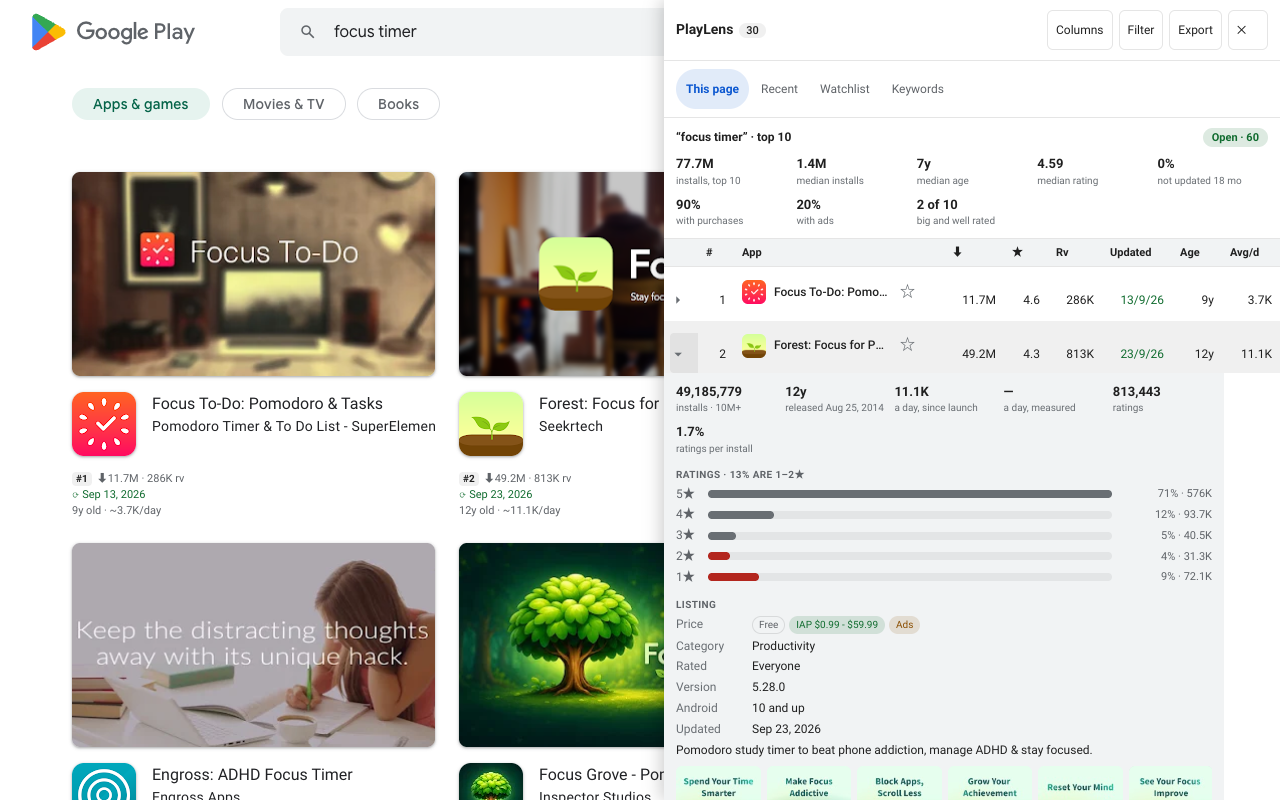
Follow an app
Click ☆ next to an app in the side panel (or in its details). It joins the Watchlist tab. From then on PlayLens remembers its numbers and tells you what changed since you last looked: version, name, price and rating.
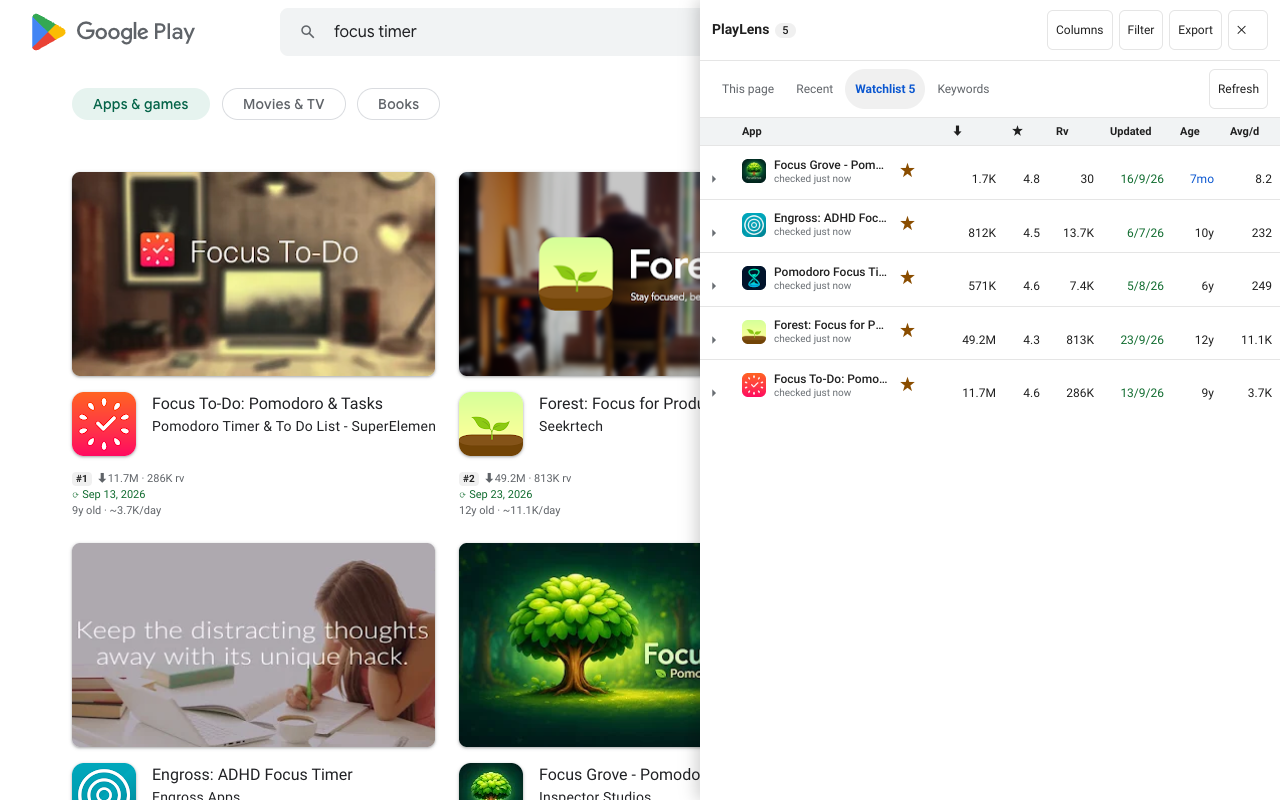
Measured growth, not an average
Each day you browse, PlayLens saves one snapshot of every app it saw (history is on by default and can be switched off). From two snapshots on it can show installs per day measured over that time, which is more honest about a current trend than the lifetime average on the cards.
It needs at least two daily snapshots, so a newly followed app shows the measured figure from day two.
Background refresh
About every six hours the background worker re-reads the pages of the apps on your Watchlist and puts the number of changed apps on the toolbar icon. Nothing is requested while the list is empty, and you can turn it off with the bgRefresh setting.
Compare apps side by side
Click ⇄ on any row to add the app to a comparison, then Compare in the panel's toolbar. Free compares 2 apps in a table. Pro compares up to 6 and adds history charts of installs and ratings.
The charts use colours that stay distinct for colour-blind readers, and each line also has its own dash pattern and marker, a legend, a tooltip and a data table.
Report and backup (Pro)
- Report HTML / Report MD — one file of what moved in the Watchlist over 7, 30 or 90 days. Handy to paste into a weekly update.
- Backup — everything recorded on the device (watchlist, daily numbers, ranks) as a JSON file. Restore loads a PlayLens backup, skipping entries it cannot read.
These sit in the Export menu.
Questions
How many apps can I follow?
There is no cap on the Watchlist itself. Pro limits apply to the rank tracker pairs and to how many apps you compare at once.
Reviewer names?
Never collected. The review viewer leaves reviewer names out on purpose.