Learn PlayLens, one feature at a time
Practical walkthroughs for researching apps and keywords on Google Play, with the real screens.
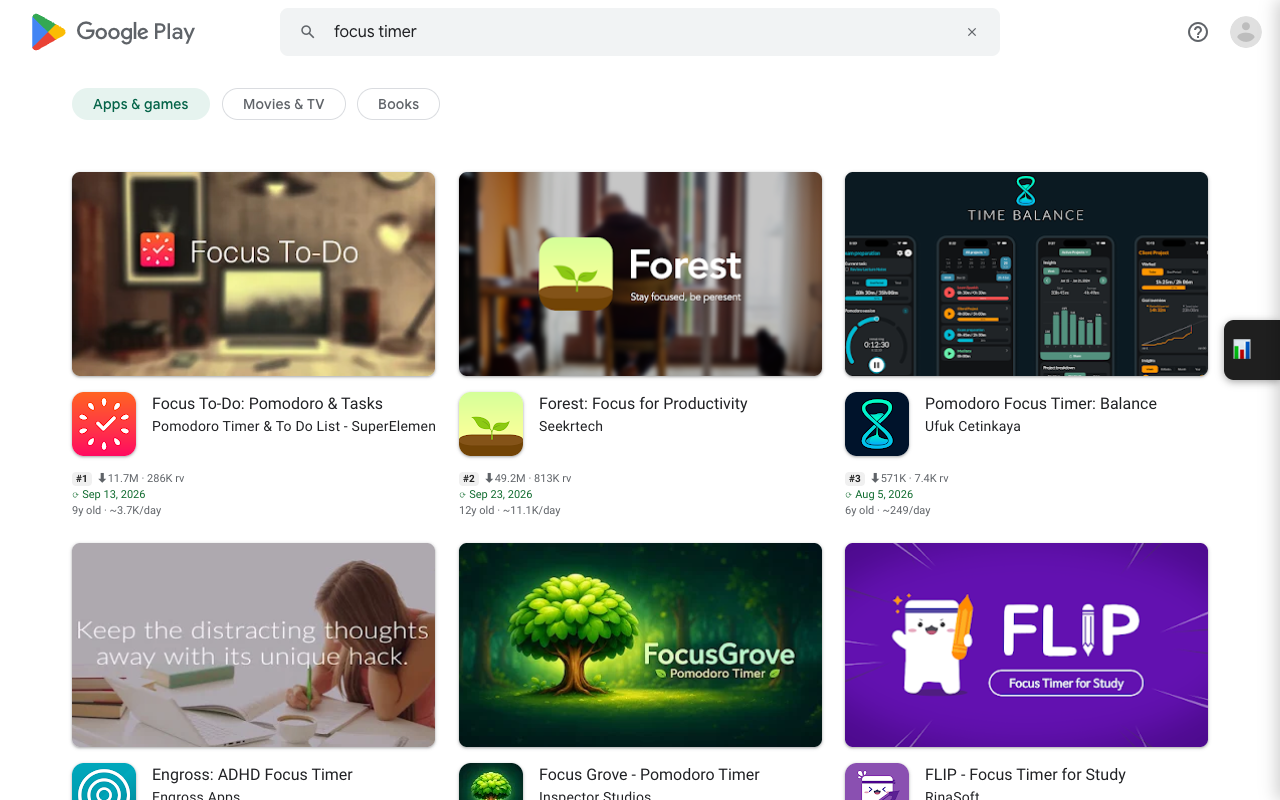
How to see exact installs on Google Play
Google Play shows installs as buckets like 10M+. Here is how to read the exact number, the app age and installs per day for every app on a list page.
5 min read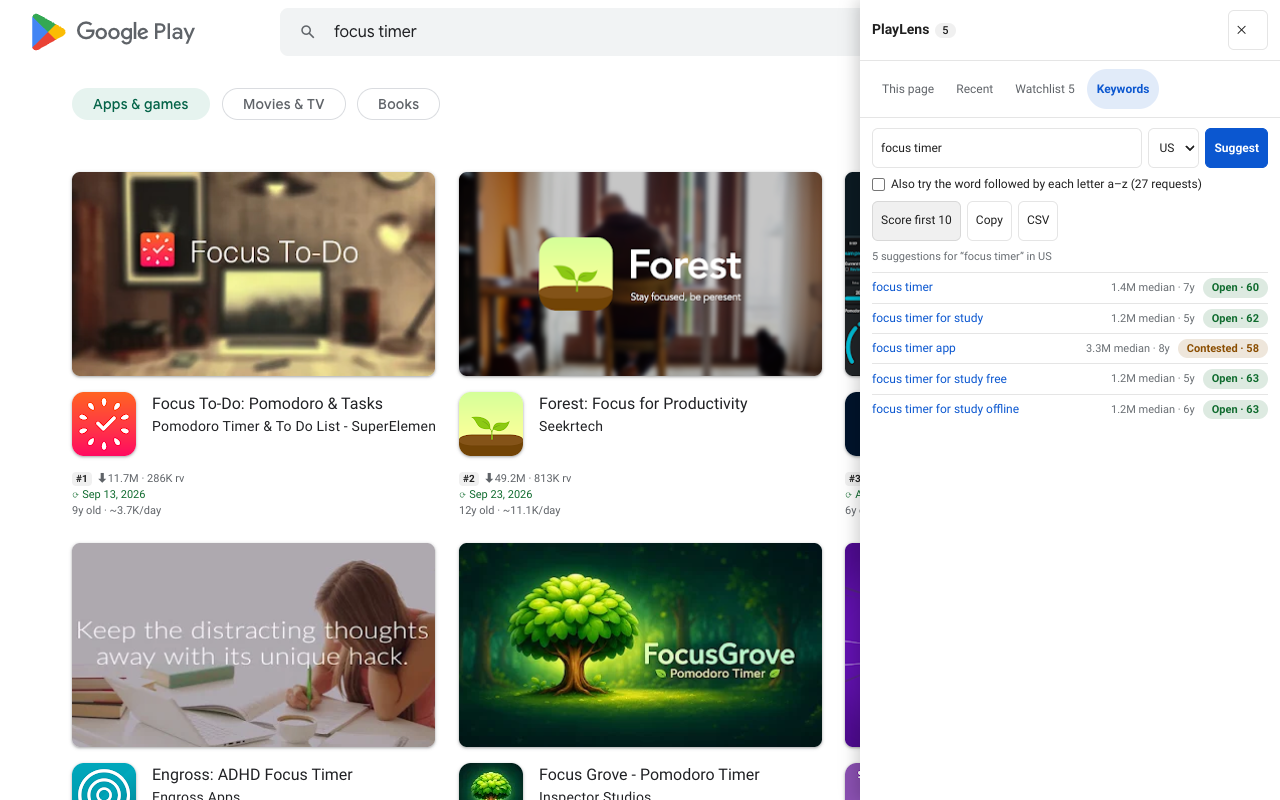
Google Play keyword research with an opportunity score
Turn Play’s own search suggestions into a ranked list. How the Open, Contested and Crowded verdict is calculated, and how to use it on real ideas.
7 min read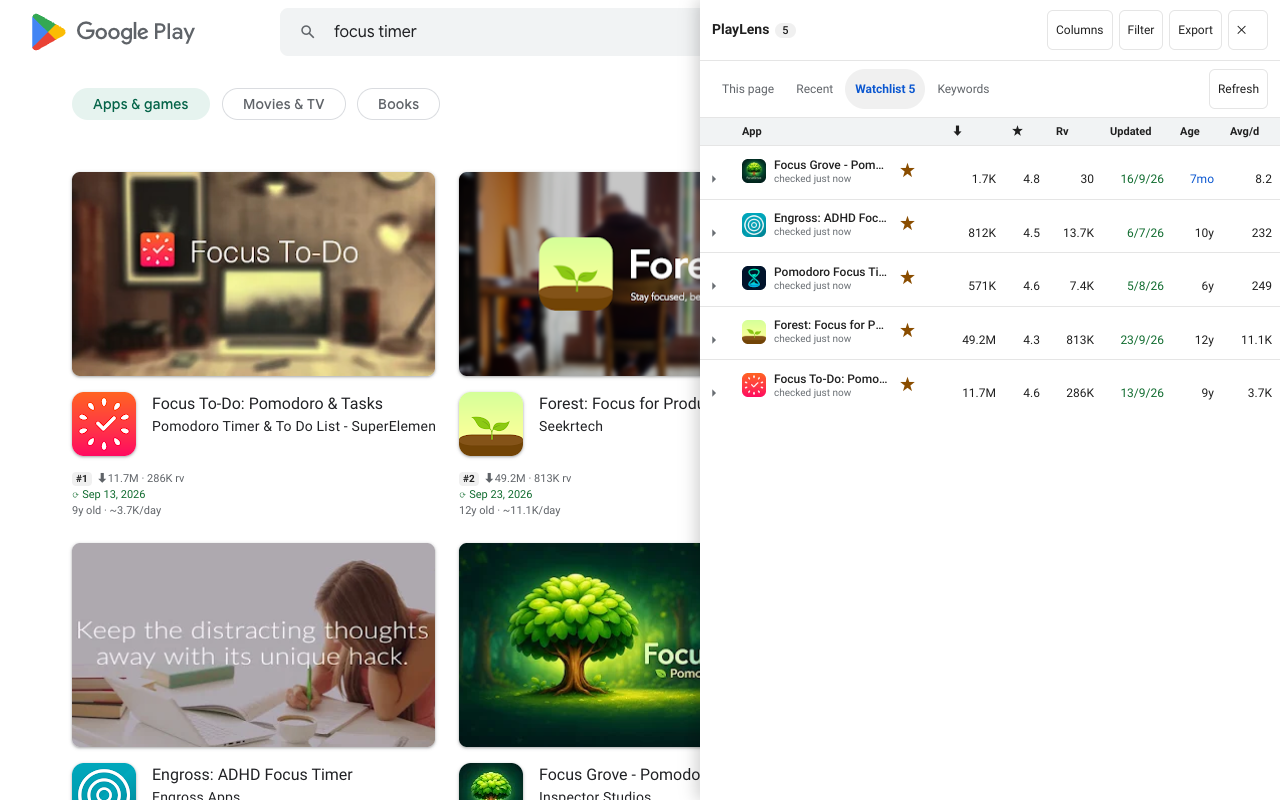
Track your Google Play keyword rankings every day
Follow where an app ranks for a keyword in any country. The tracker checks once a day in the background, keeps 90 days and can notify you when a rank moves.
6 min readMonitor competitors with the PlayLens Watchlist
Star an app and PlayLens notes version, name, price and rating changes and measures real installs per day. How to read it, report on it and back it up.
6 min read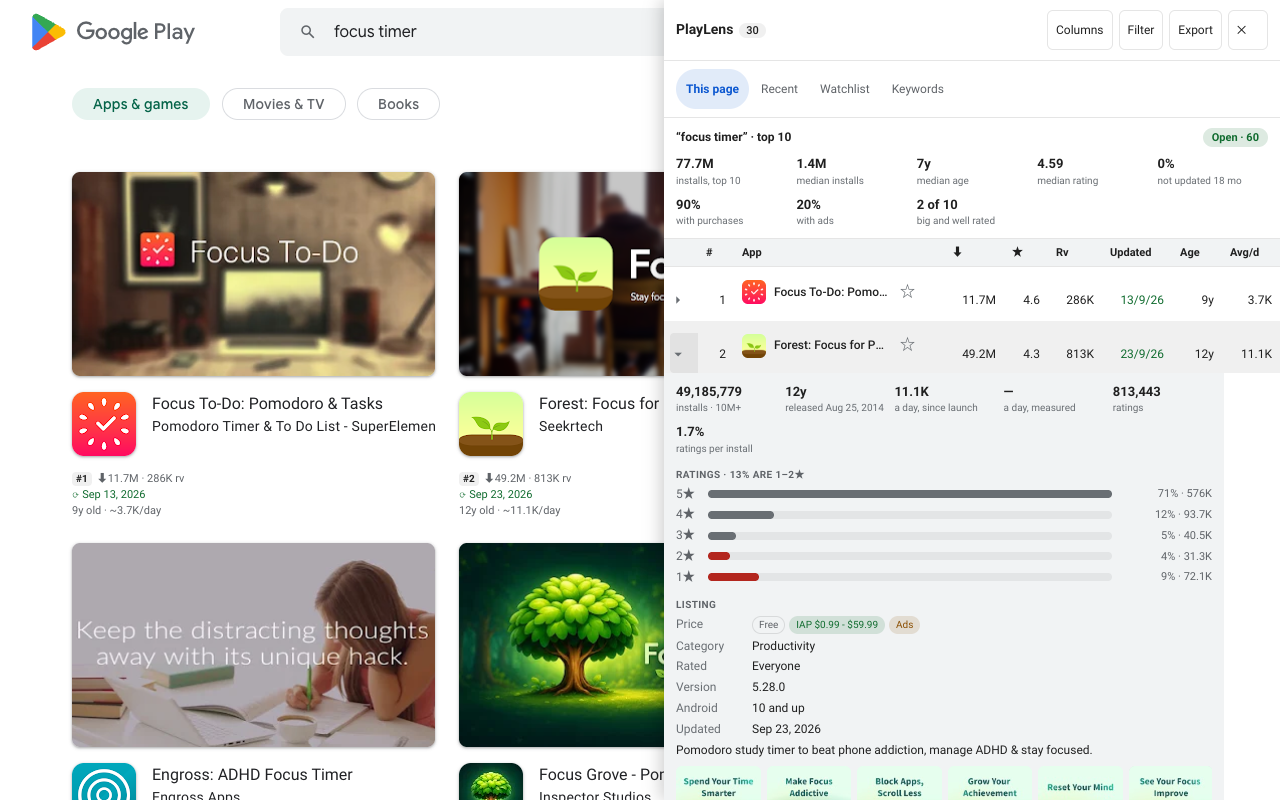
Find what users hate: reading low-star reviews on Google Play
The latest 1 to 3 star reviews of any app, the words that come up most, and an export you can filter by stars and date. Without reviewer names.
5 min read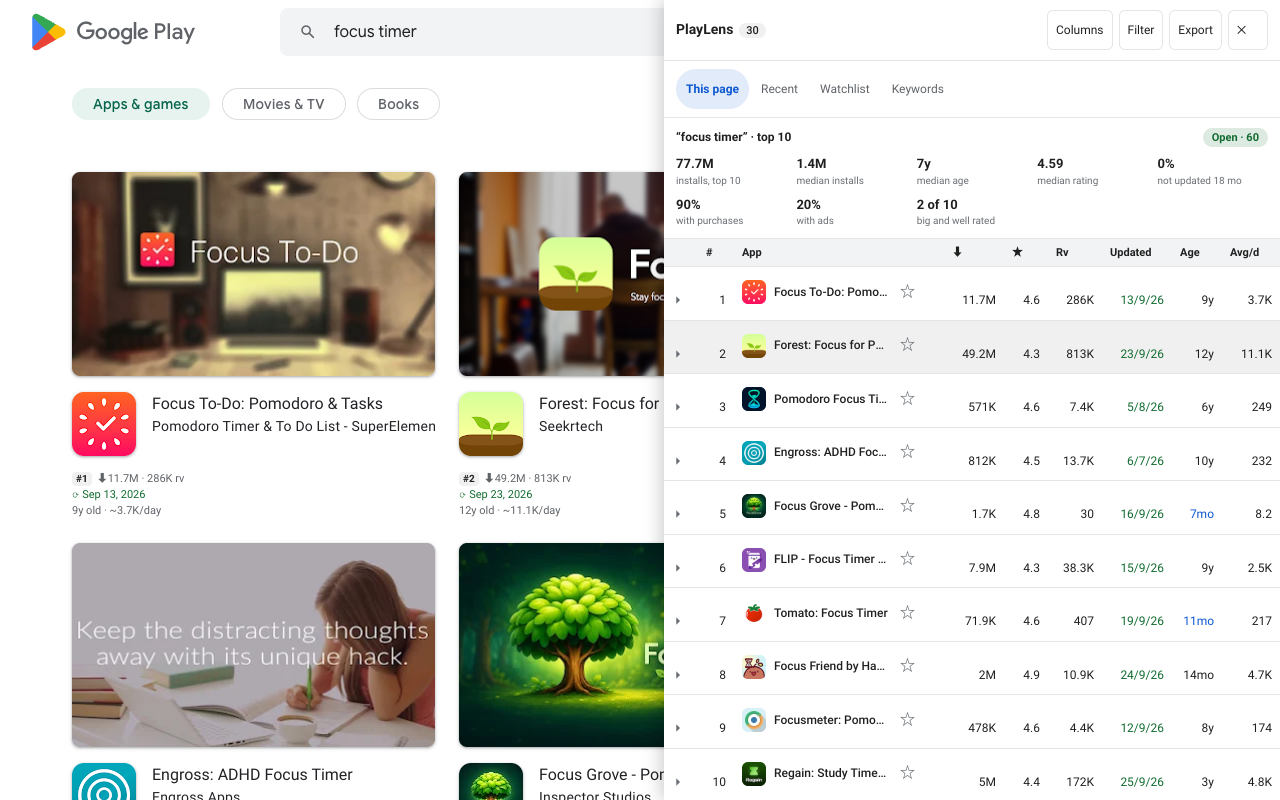
PlayLens Pro: what it adds and how the licence works
Everything on the cards stays free. Pro adds the rank tracker, alerts, charts, reports, backups and saved keyword lists. How buying and activating a key works.
5 min read