What stays free
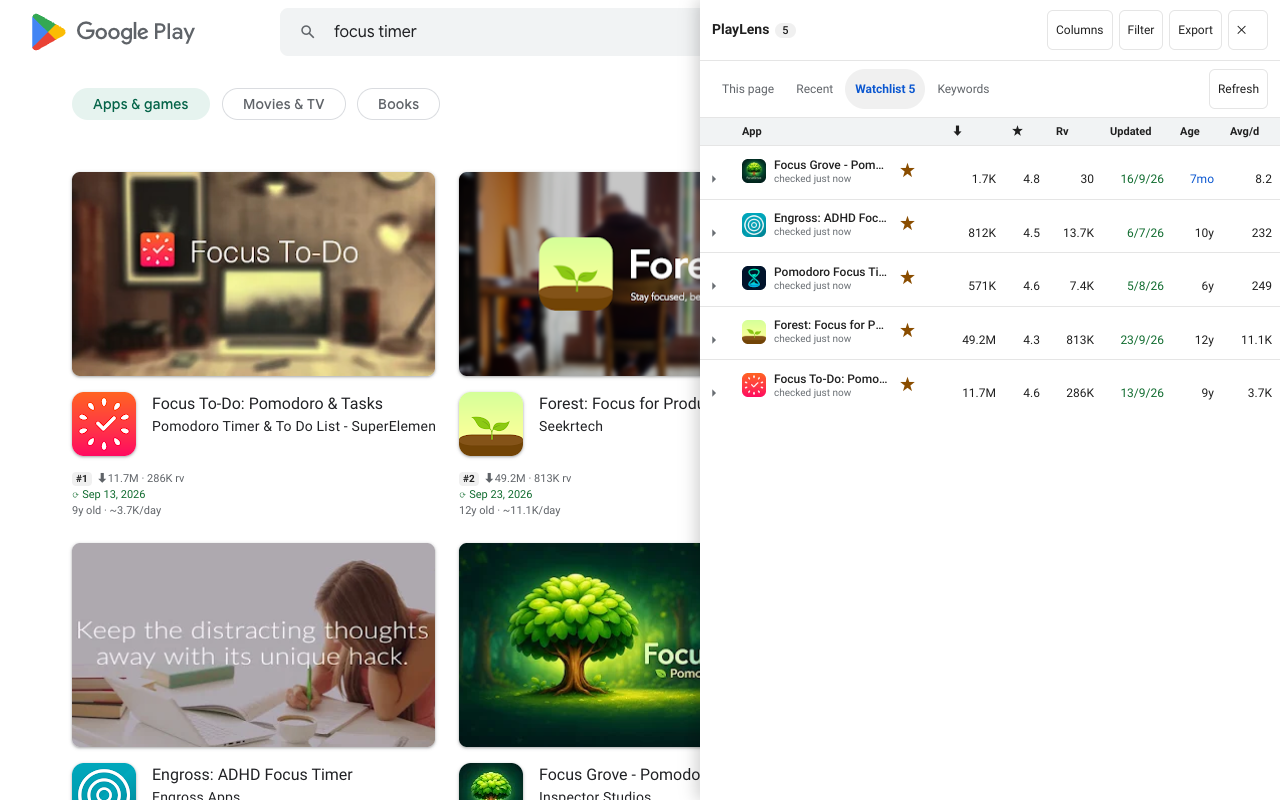
Everything you see on the cards, the side panel, the Watchlist, reviews, keyword ideas, country comparison, developer portfolio summary and the CSV and JSON exports is free, with no time limit and no account. Pro does not take any of that away.
What Pro adds
Pro covers what takes time to build up or runs in the background.
| Feature | Free | Pro |
|---|---|---|
| Rank tracker | 3 pairs | 150 pairs, 90 days |
| Alerts | — | Desktop notifications |
| Compare apps | 2, no charts | Up to 6 with history charts |
| Watchlist report | — | HTML or Markdown |
| Backup and restore | — | Yes |
| Keyword lists | First ten scored | Score all, 20 saved lists, opportunity by country |
Buying and activating
- Choose a plan on the pricing section: monthly, yearly or lifetime.
- Checkout is run by Polar, the seller of record: it takes payment, handles tax and refunds, and emails you a licence key beginning with
PLAY-. - Open the PlayLens settings page, paste the key and activate it. One key works on up to 3 of your browsers.
Launching. Buying is not open yet. Until it is, the pricing section says “Coming soon”, the settings page says so too, and the extension sends nothing to Polar.
What the licence check sends
When you enter a key, it is sent to Polar (api.polar.sh) along with a label for your browser, and then about once a day while a key is stored. Nothing else leaves your browser. If you are offline, Pro keeps working for two weeks. If a key is revoked or refunded, Pro locks on the next check. The key is masked on the settings page, and Deactivate frees its device slot.
See the privacy policy for the full list.
An honest note
PlayLens is open source under the MIT licence, and the check runs in your browser, so anyone can read how it works and change it. Pro is a convenience and a way to support the work, not copy protection.
Questions
Can I move my licence to a new computer?
Yes. Deactivate it on the old browser in the settings page to free the slot, or free it from the Polar customer portal, then enter it on the new one.